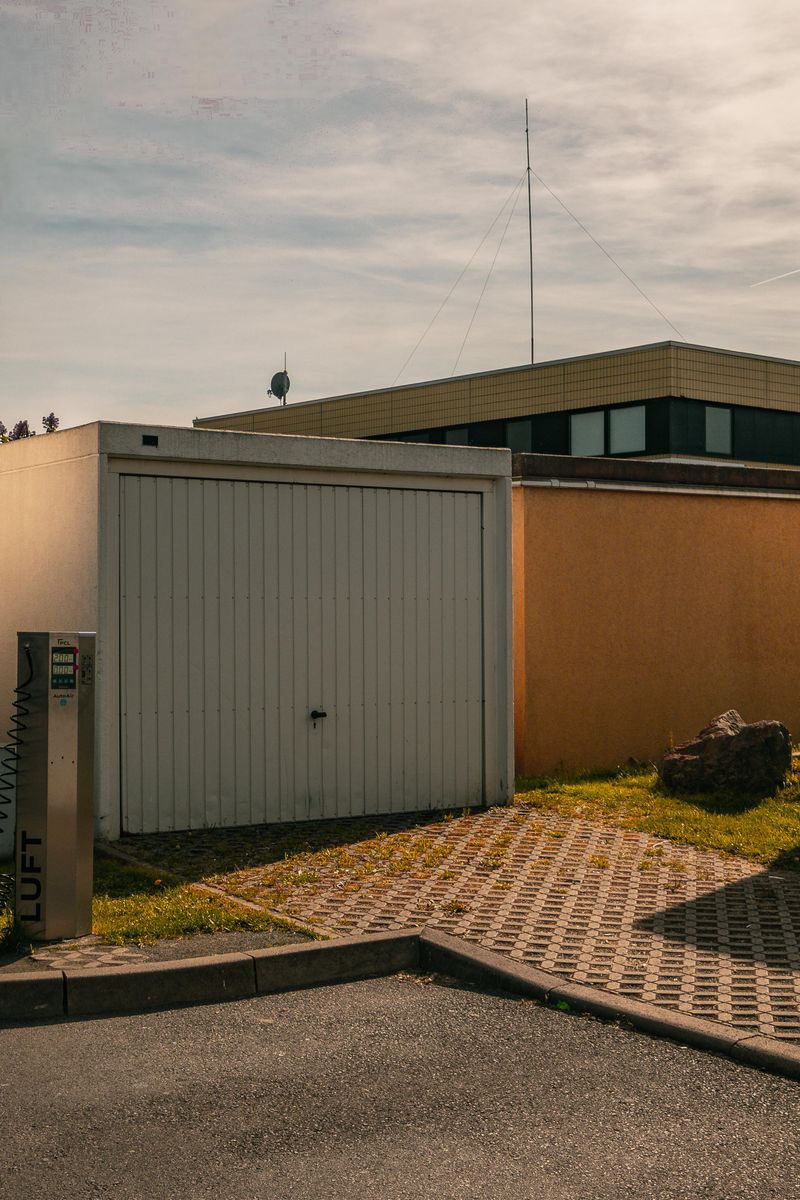
Overview
Your garage door opener is already a motorized robot — it just has a dumb brain. Replace the stock remote receiver with a Raspberry Pi and you get license plate recognition, geofence auto-open, scheduled lockdowns, delivery alerts, and a camera feed. Commercial systems charge $300+ and a monthly subscription. This does more for a fraction of the price.
This build combines relay control, computer vision, and network security. You'll learn OpenCV for plate recognition, geofencing with GPS APIs, and secure remote access without exposing your home network.
What You Bring
The kit includes the relay, camera, and control electronics. You supply:
- Garage door opener — any brand with a wall-button terminal (Chamberlain, LiftMaster, Genie — nearly all models since 1993)
- Raspberry Pi 4 / 5 — runs plate recognition, camera feed, and automation logic
- microSD card — 16GB recommended
- USB power supply — 5V/3A for the Pi
- WiFi or Ethernet connection in the garage — for remote access and notifications
- Pi Camera Module or USB webcam — for plate recognition and driveway monitoring
What's Included in the BYOB Kit
- 5V relay module with optocoupler isolation
- Reed switch magnetic sensor (door open/close detection)
- IR illuminator board for nighttime plate recognition
- Mounting brackets for camera and Pi (3D-printed)
- Pre-crimped wiring harness with labeled connectors
- Complete source code, wiring diagrams, and setup documentation
What You Bring
The Full Send Kit includes all electronics and hardware. You supply:
- Garage door opener — any brand with a wall-button terminal (Chamberlain, LiftMaster, Genie — nearly all models since 1993)
- WiFi or Ethernet connection in the garage — for remote access and notifications
What's Included in the Full Send Kit
- Raspberry Pi 4B — pre-loaded with plate recognition software
- 16GB microSD card — pre-imaged with Raspberry Pi OS and kit software
- USB-C power supply (5V/3A)
- Pi Camera Module v2
- 5V relay module with optocoupler isolation
- Reed switch magnetic sensor (door open/close detection)
- IR illuminator board for nighttime plate recognition
- Mounting brackets for camera and Pi (3D-printed)
- Pre-crimped wiring harness with labeled connectors
- Complete source code, wiring diagrams, and setup documentation
The Build
The garage door opener has two terminals on the back labeled "wall button." Shorting these terminals is identical to pressing the wall button — the door toggles open or closed. You're connecting a relay to those terminals, controlled by a Pi that decides when to fire based on camera input, geolocation, or your phone.
Wire the Relay
Connect the relay module's COM and NO terminals to the garage door opener's wall button terminals. When the relay closes for 500ms, the door toggles. Connect the relay signal pin to GPIO17 on the Pi. This is the same relay technique as Brew Command — once you've done it once, you can control anything.
Door State Sensor
Mount the reed switch on the door frame at the top, with the magnet on the door itself. When the door is closed, the magnet aligns with the reed switch and the circuit closes. This gives the Pi definitive knowledge of whether the door is open or closed — critical for automation logic.
Camera and Plate Recognition
Mount the camera facing the driveway, angled to capture approaching vehicles' license plates. The IR illuminator provides visibility at night. The project files include a pre-trained OpenCV model for ANPR (automatic number plate recognition) that runs on the Pi 4 at 2-3 FPS — fast enough for a car pulling into a driveway.
# Plate detection (simplified)
plates = anpr.detect(frame)
for plate in plates:
    if plate.text in AUTHORIZED_PLATES:
        open_door()
# ... full implementation in project files
Geofence Auto-Open
Use the OwnTracks app on your phone to broadcast your GPS position to the Pi via MQTT. Define a geofence radius (500 meters works well). When you enter the zone, the Pi checks the door state and opens it. When you leave, it closes and locks.
Add a configurable delay — you don't want the door opening when you're just passing by on the highway. Require the phone to be inside the geofence for 30 seconds before triggering.
Notifications and Logging
Every door event gets logged with timestamp and trigger source (plate, geofence, manual, schedule). Set up push notifications for unexpected openings. Add a scheduled lockdown — door auto-closes at 11 PM regardless and won't open until 6 AM without manual override.
Project Files — Included with BYOB Kit
Complete source code, wiring diagrams, and documentation. Enter your kit code to unlock.
Don't have a code? Get the kit — code included in every box.